Magic Mark
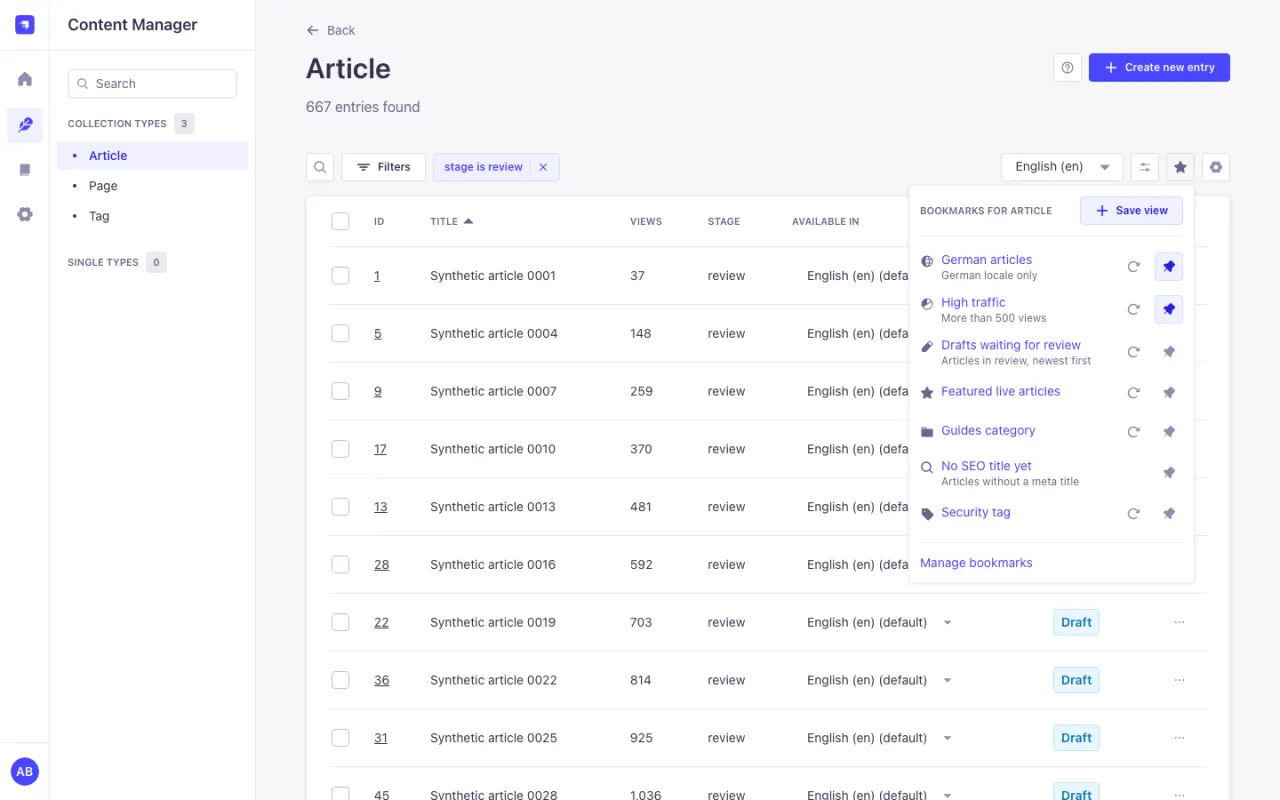
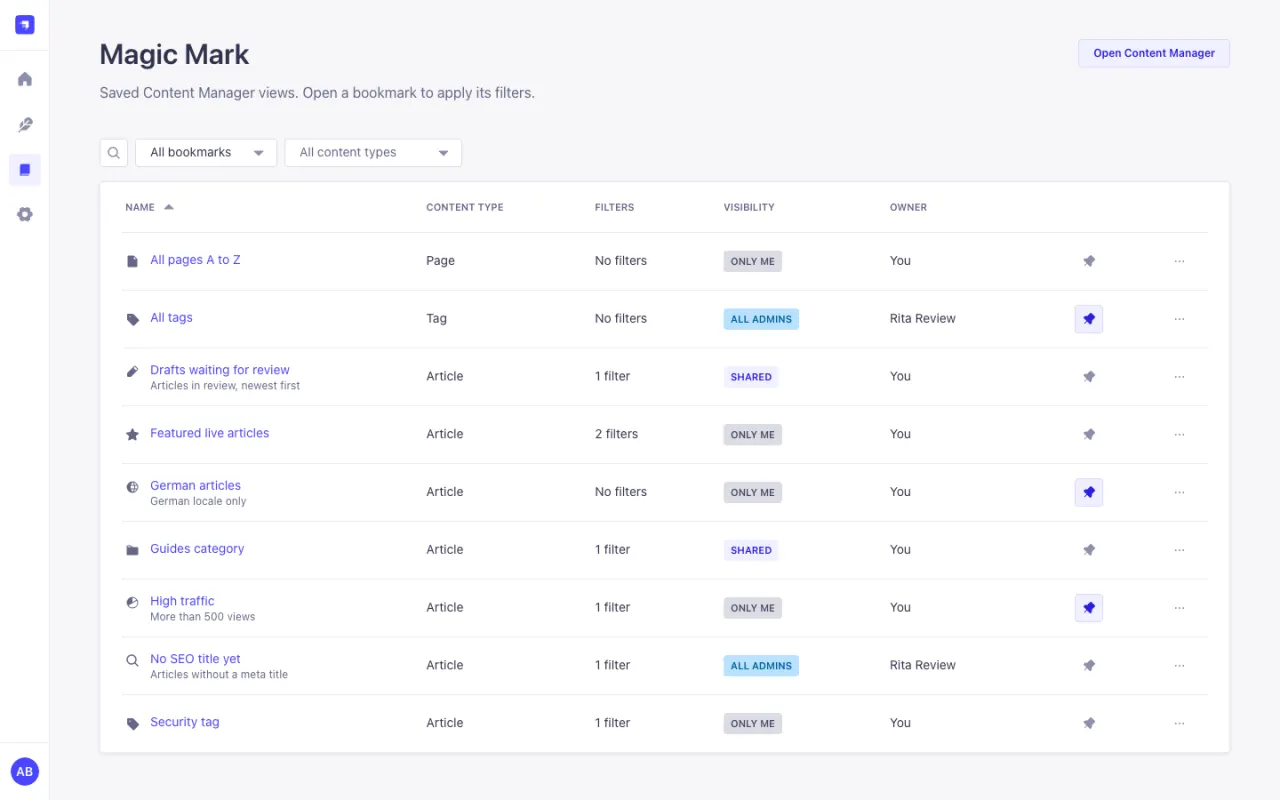
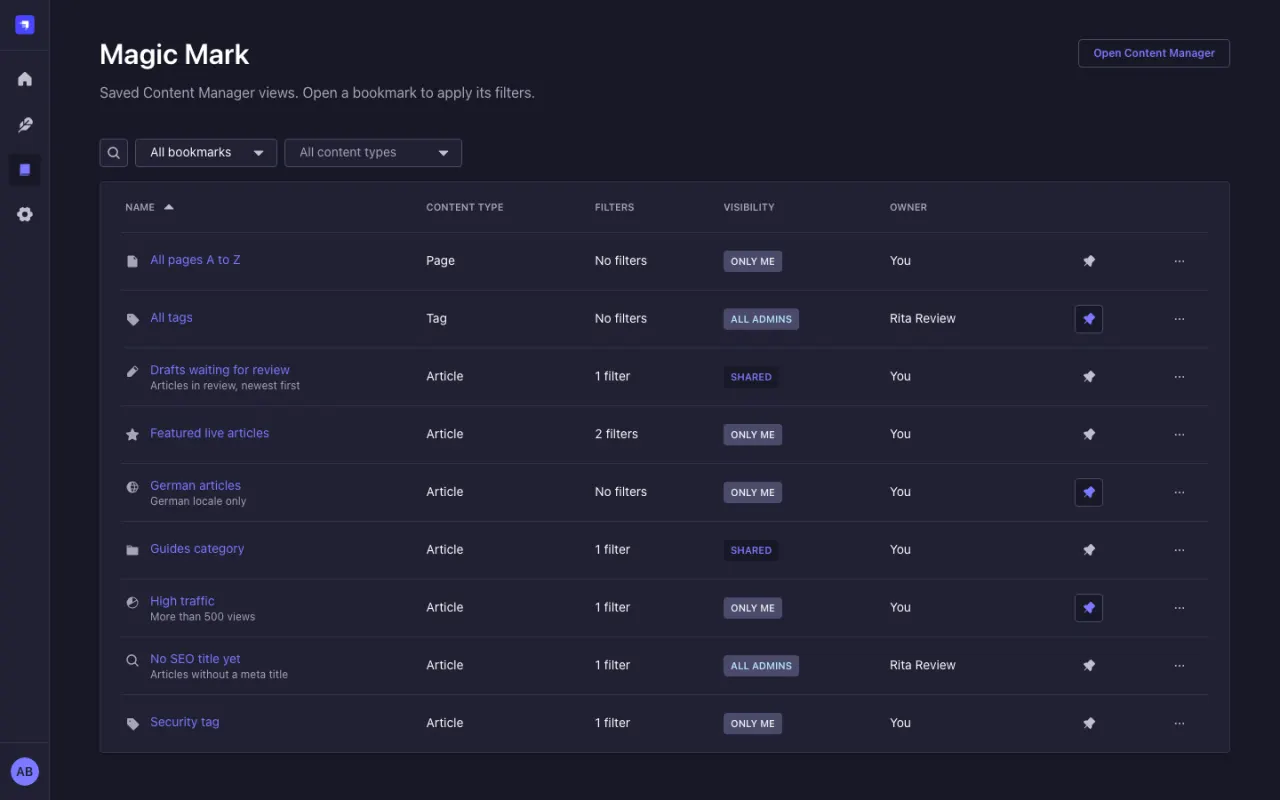
Magic Mark is a Strapi 5 plugin that saves Content Manager list views as bookmarks. A bookmark keeps the content type, filters, sort order, page size, search text and locale, and opens exactly that list again with one click. Bookmarks can be shared with roles or single admin users and pinned to the Strapi homepage.
Install
npm install strapi-plugin-magic-mark
- Version
- v4.0.1
- Strapi
- ^5.57.0
- Node.js
- ^22.22.2 || >=24.15.0
- License
- MIT, free
- Released
Version, release date and ranges are read from the npm registry at build time.
What it does
- Save view in the list view toolbar keeps the list you are looking at.
- A bookmark opens its list without a page reload, and old filters never mix in.
- Share a bookmark privately, with roles and single admin users, or with all admins.
- Pins per user, first in the toolbar and in a Pinned bookmarks widget on the homepage.
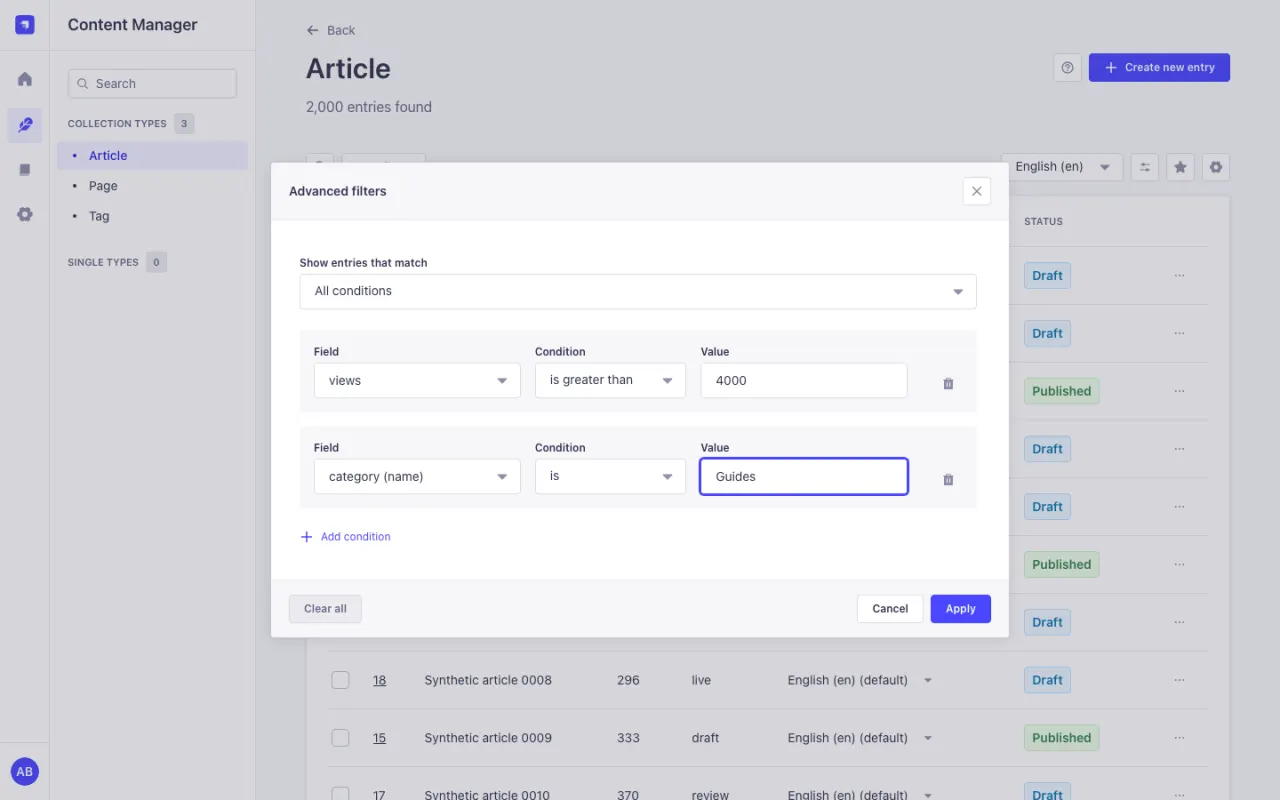
- Advanced filters: any condition, is one of, is none of, is between, and fields of relations and non-repeatable components.
- Six role permissions, checked on the server for every request. No outbound requests and no telemetry.
Use it when
Editors rebuild the same filtered lists every day, or keep long admin URLs in their browser bookmarks.
Not for
It does not save the page number or the list columns. Columns stay a per-user Content Manager setting.
What it needs
Strapi 5.57.0 or newer.
Questions
Is Magic Mark free?
Yes. The 3.x license system is gone; every feature is available to everyone under the MIT license.
Can I see the private bookmarks of other admins?
No, also not as Super Admin. Managers see public and shared bookmarks of everyone.
Does it work with a custom admin URL?
Yes. Bookmarks store the path inside the admin, not the full URL.